You can create your own arrowhead in coreldraw because it is very easy in Corel-X5. Create one object for starting arrow & second for ending arrow. When complete starting & ending objects select one by one & follow the below steps : -
 |
| (See this figure for better help) |
- Draw two objects. One for start arrow head & second for end arrow head (see above figure).
- Create starthead object & flip it horizontal.
- Create endhead object, don't filp this object.
- Select start arrowhead object & choose menu Tools/Create/Arrowhead..... Give the name & click OK
- Select end arrowhead object & do same procedure as you did for starting arrow object.
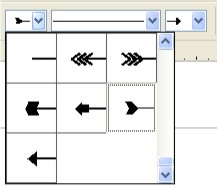
- Now Draw a simple line & put the the arrow both side (see left figure).

